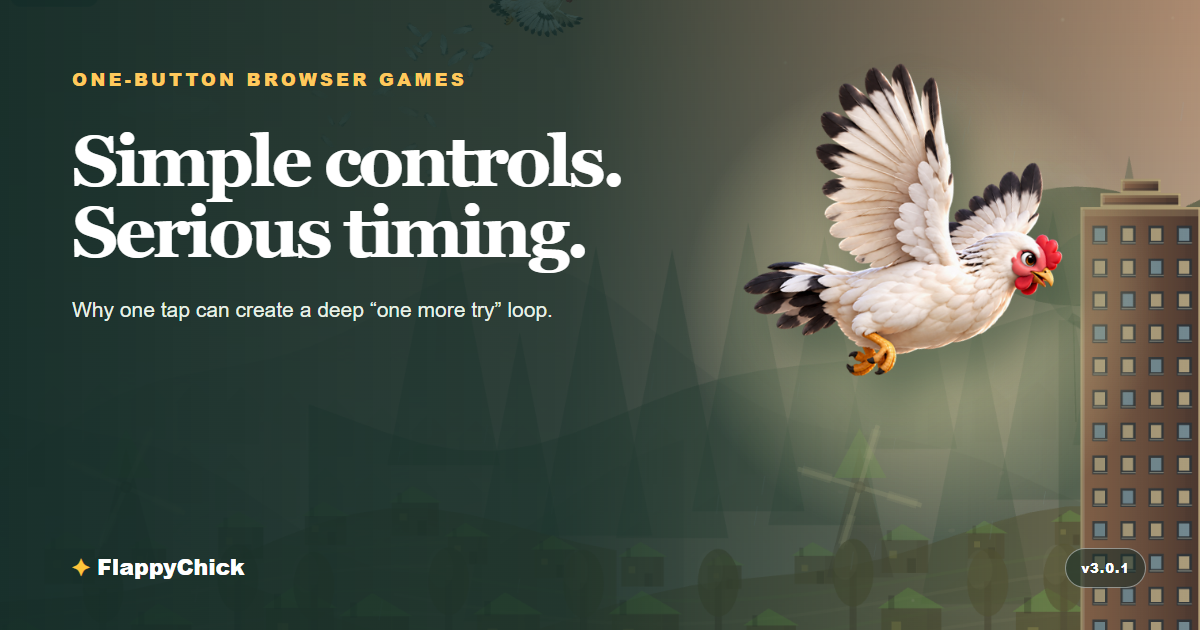
A one-button game makes a bold promise: you can understand the controls before the first run is over. Tap, click, or press Space. That tiny input can still lead to a demanding game because the interesting question is not which button to press. It is when to press it.
The best one-button browser games remove setup without removing mastery. They load in a tab, respond immediately, and let a player learn through action. No control diagram is needed. No download stands between curiosity and the first attempt. Yet a clear input can create hundreds of small decisions once momentum, timing, hazards, and score enter the picture.
One input removes friction, not difficulty
“Simple controls” and “easy game” are not the same thing. A piano key is simple to press; playing it at exactly the right moment is the skill. One-button games use the same principle. The action may be binary, but the situation around that action is constantly changing.
In an auto-runner, one press might jump. In a rhythm game, it marks a beat. In a flight game, it changes vertical momentum. The player reads speed, position, distance, and risk, then commits. A fraction of a second can separate a clean pass from a collision.
That clarity is useful. When a run ends, the player usually understands why: the tap came early, late, or in the wrong rhythm. The controls are not hiding the lesson. A good one-button game turns failure into readable feedback.
The four parts of a strong “one more try” loop
1. Immediate cause and effect
The button must feel connected to the result. Press and the character moves now. Sound, animation, and motion should agree. Input lag or a vague response damages trust because timing is the entire language of the game.
2. A short path back into play
Failure is less frustrating when the next attempt is close. The player should see the result, understand it, and restart without a page reload, long menu, or repeated tutorial. Quick retries make experimentation cheap: try a later tap, hold a steadier rhythm, or choose a safer line.
3. A score that makes progress visible
A high score gives every short run a shape. Even when the world has no finish line, “one point farther” is a concrete goal. The score also turns improvement into evidence. A player is not merely surviving longer; they can see the new best.
4. Consistent rules with changing situations
Randomness alone is not depth. The game needs rules the player can learn, plus enough variation to keep those rules interesting. Gaps can move, obstacle silhouettes can change, scenery can shift, and the pace can demand better planning. The important part is fairness: the danger must remain visible and reachable.
Why browser games fit the format so well
One-button games match the strengths of the web. A link can open on a phone or desktop. Touch, mouse, and keyboard can map to the same action. A short session fits a spare minute, while a strong score loop can stretch into a much longer challenge.
That does not mean every browser game should be tiny. It means the route from interest to interaction can be tiny. Good browser-first design respects that route: small static files where practical, a clear start screen, responsive input, and no mandatory account before play.
Accessibility still takes work. A single action can suit touchscreens and some switch-control setups, but visual clarity, keyboard support, motion comfort, readable contrast, and forgiving hit feedback matter too. “One button” is a promising foundation, not a complete accessibility strategy.
How to spot a good one-button browser game
You can usually judge the foundation in the first minute. The action should respond without a visible delay. Hazards should be readable before they become fatal. Restart should be faster than leaving the page, and the same rules should make sense on touch and keyboard.
Look for difficulty that teaches. Early challenges should give you room to understand momentum; later ones can ask for tighter timing or better route reading. A surprising obstacle can be fun, but an unavoidable obstacle is only a broken promise.
Most importantly, notice whether improvement feels possible. If your second run is already more controlled than your first, the game has created a useful learning loop with very little instruction.
How FlappyChick uses one-tap play
FlappyChick starts with one action: tap, click, or press Space to flap. Gravity handles the rest. The challenge comes from managing momentum while reading a changing route of mixed obstacles.
The journey moves through Village, Forest, Desert, City, and Mountain, then continues with variations. The scenery changes, weather and light can shift, and hazards do not all share one silhouette. The input stays familiar while the decisions around it evolve.
Runs are intentionally easy to restart. A local best score gives the next flight a target, and the game remains playable without requiring login, a shop, or an online leaderboard. It is the classic promise of a score-chasing browser game: one more flight, one more point.
Play FlappyChick — no download required
Simple games earn depth one decision at a time
The appeal of a one-button game is not that there is little to do. It is that the game turns one understandable action into a stream of meaningful timing decisions. The player learns by pressing, missing, adjusting, and trying again.
When feedback is crisp and restarts are fast, a ten-second run never feels like wasted time. It becomes information for the next one. That is why the strongest simple browser games are so easy to begin — and so hard to put down.