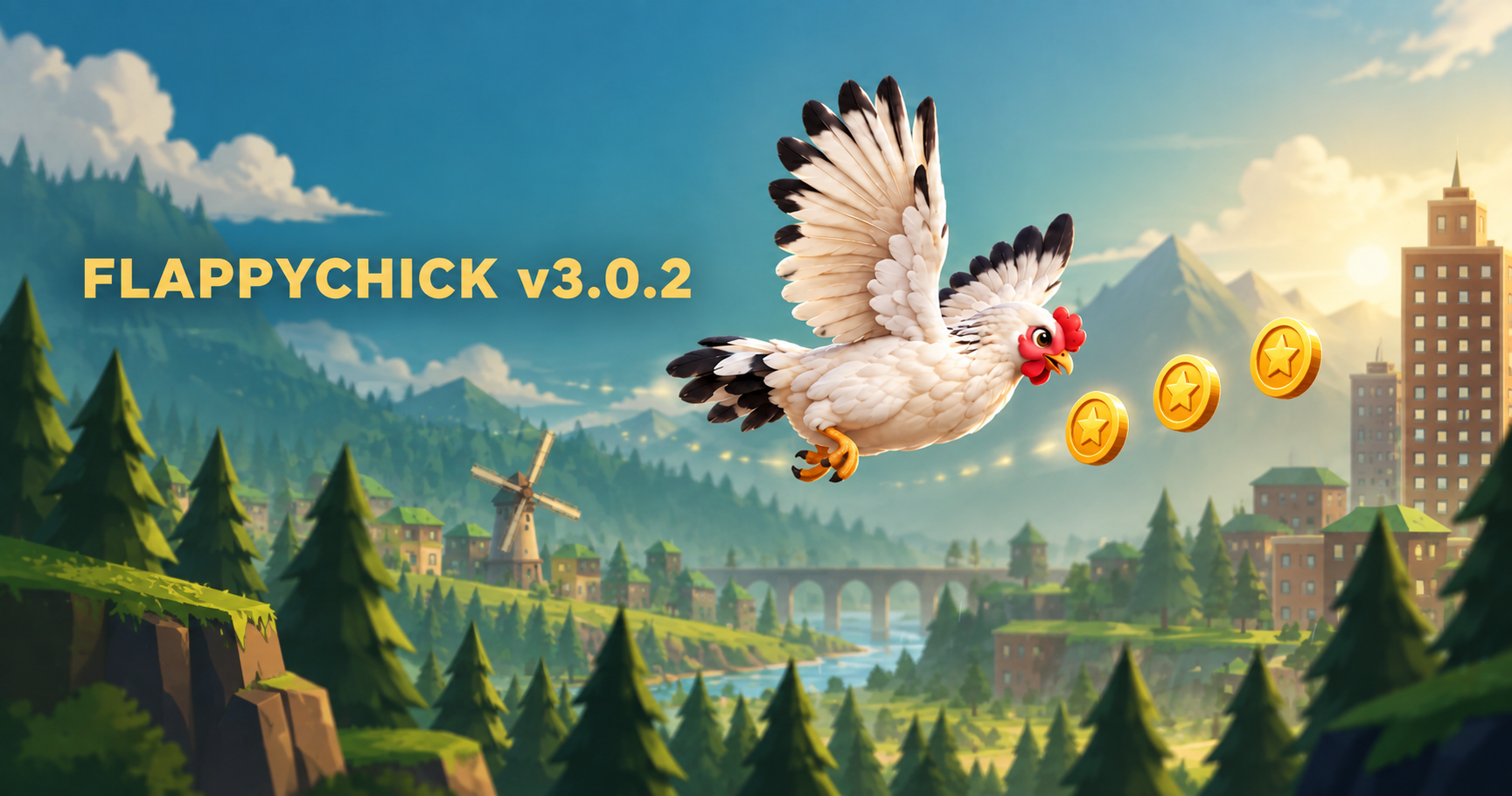
FlappyChick v3.0.2 is here.
This update adds the first pieces of a bigger progression system while keeping the game simple: tap, fly, survive, and try to go one point farther.
Now there is something else waiting in the sky.
Coins.
Collect Coins While You Fly
Coins can now appear during your flight.
Fly into them to collect them and build up your Coin balance as you keep playing.
The goal is simple: Coins should make every run a little more satisfying — even when your score does not beat your personal best.
Signed-in players can save their Coins to their account, while guest players can still collect them during their current run.
Coin rewards are validated by the game server before being added to a persistent account balance. This helps prevent simple balance editing, duplicate rewards, and repeated claims.
And this is only the beginning.
The Shop Has Arrived — Almost
You may notice a new Shop button in FlappyChick.
The Shop is now part of the game interface, but there are no items for sale yet.
For now, it is marked:
Coming Soon.
Future updates may introduce things worth spending Coins on, but v3.0.2 deliberately starts with the Coin system first.
We would rather build the economy step by step than fill the Shop with meaningless items.
So collect them.
You may want them later.
Play in Fullscreen
FlappyChick now includes a dedicated Fullscreen control on supported browsers.
One tap can expand the game to fill your screen, giving the endless world a little more room to breathe.
You can enter or leave fullscreen without restarting your current game.
Fullscreen behavior adapts across supported desktop and mobile browsers while preserving the same FlappyChick gameplay.
Install FlappyChick on Your Phone
You can now install FlappyChick directly to your phone or computer from the web.
No app store is required.
On supported browsers, choose Install App when it is offered and FlappyChick can appear on your home screen just like a regular app.
On iPhone and iPad, you can use the browser’s Add to Home Screen option when available.
Once installed, FlappyChick launches directly into the game in its own app-like window.
The Installed Game Still Updates
Installing FlappyChick does not create a separate version that gets left behind.
When a new FlappyChick build becomes available and you are online, the installed web app can update itself from the live game.
If an update arrives while you are already flying, the game should not interrupt the run.
Finish your flight first.
The new version can take over safely afterward, once all open game windows are ready.
That means you can keep FlappyChick on your home screen without manually downloading every future update.
The Beginning of Progression
v3.0.1 established the foundation: accounts, profiles, real leaderboards, and persistent best scores.
v3.0.2 begins the next layer.
Play → collect → save → come back.
Coins and the Shop are deliberately small today, but they create the foundation for future progression systems without changing the one-tap core of FlappyChick.
Future updates may expand what Coins can unlock.
For now, the mission is still the same:
Fly farther.
Beat your best.
And grab a few Coins on the way.
Ready for Another Flight?
A tiny chicken. An endless world. One tap at a time.